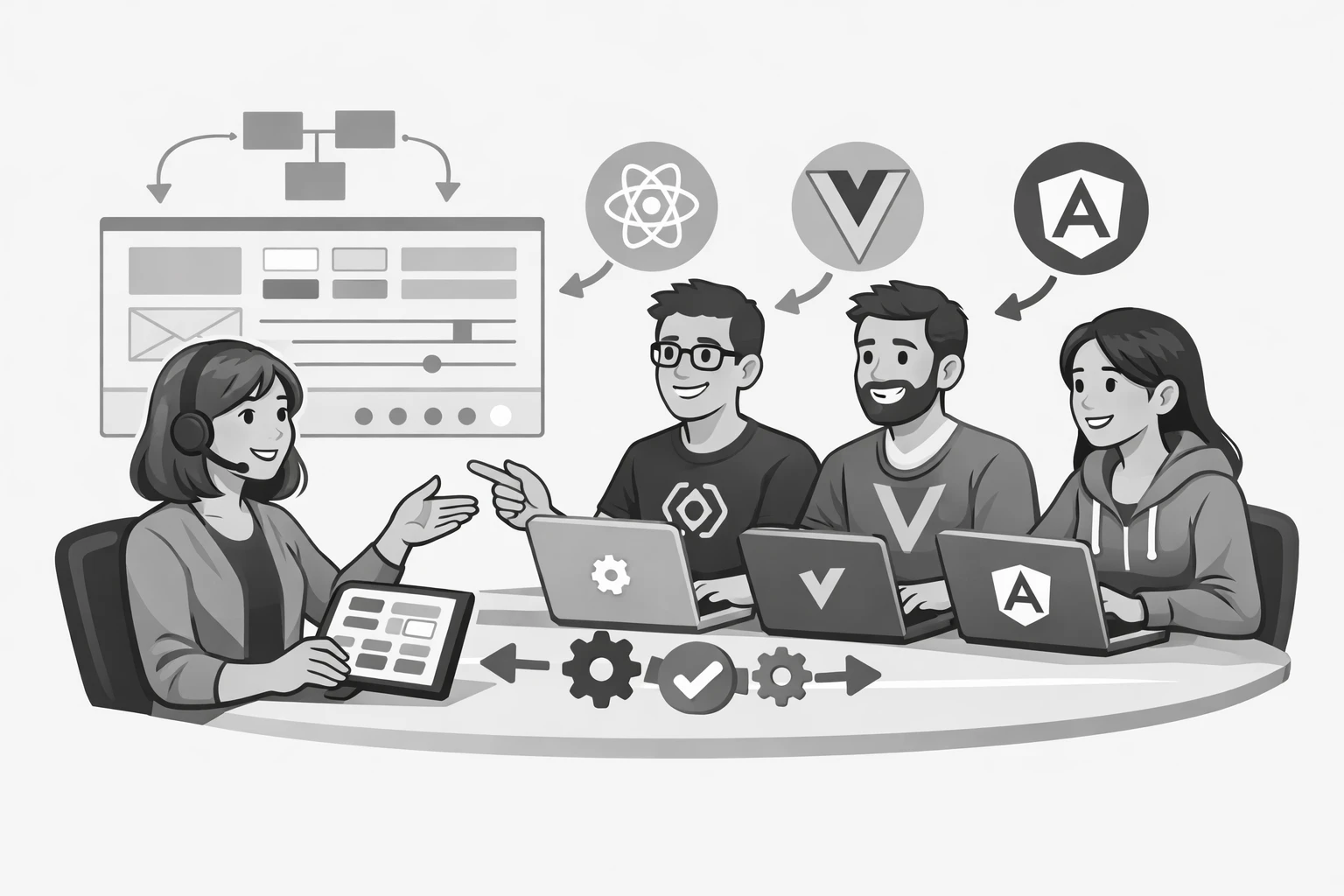
Most component library guidance assumes a single framework. Build React components, or Vue components, or Angular components. Pick one and go deep.
Some teams don't have that option. Large organizations frequently run multiple products built in different frameworks, acquired codebases that can't be migrated, or platform requirements that mandate specific technology choices. If your team needs one component library to work across React, Vue, and Angular, you're solving a genuinely harder problem.
This article covers the three main approaches, their tradeoffs, and what each one requires in practice.
Why multi-framework libraries are hard to build
Framework-specific components are tightly coupled to their framework's rendering model, reactivity system, and templating syntax. A React component is a JavaScript function that returns JSX and depends on React's virtual DOM. A Vue component is a single-file component with Vue-specific template directives and reactivity. An Angular component is a class decorated with Angular-specific metadata.
These aren't superficially different syntaxes for the same thing. They're fundamentally different models. A React component cannot run in a Vue application without a wrapper, and a Vue component cannot run in Angular without adaptation.
The challenge is building UI components once and having them work correctly in all three contexts.
Approach 1: Web components
Web components are a set of browser-native APIs that allow you to create custom HTML elements. They work in any framework because they work in the browser itself, not in React, Vue, or Angular specifically.
How web components work
A web component is defined using three browser APIs:
- Custom Elements: lets you define new HTML tags with custom behavior
- Shadow DOM: encapsulates a component's internal HTML and CSS, preventing style leakage in either direction
- HTML Templates: provides a mechanism for declaring reusable HTML fragments
class PrimaryButton extends HTMLElement {
  connectedCallback() {
    this.innerHTML = `
      <button class="btn btn--primary">
        ${this.getAttribute('label') || 'Button'}
      </button>
    `
  }
}

customElements.define('primary-button', PrimaryButton)
Once defined, <primary-button label="Save"> works in any HTML context, including inside React, Vue, and Angular components.
Framework integration challenges
React, Vue, and Angular all support rendering custom elements. Framework-specific wrappers improve the experience:
- React requires a wrapper for custom event handling because React's synthetic event system doesn't automatically pick up custom DOM events. The React team is improving this, and React 19 significantly closes the gap.
- Vue treats unknown elements as custom elements by default when configured correctly. Integration is generally smooth.
- Angular requires
CUSTOM_ELEMENTS_SCHEMAin the module definition to suppress warnings about unknown elements.
Tools like Stencil and Lit make building web components significantly more ergonomic. Stencil in particular generates framework-specific wrappers automatically, which resolves most integration friction.
What web components do well
- True write-once, run-anywhere portability
- Style encapsulation through Shadow DOM prevents CSS conflicts between the library and host applications
- No framework dependency means no version compatibility concerns
- Works in server-rendered contexts without a JavaScript framework
Where web components struggle
- Shadow DOM encapsulation can make global style overrides difficult. Theming requires CSS custom properties that pierce the shadow boundary, which requires deliberate API design.
- Server-side rendering (SSR) support is improving but not yet as mature as framework-specific SSR.
- Framework-specific patterns like React's
ref, Vue'sv-model, and Angular's two-way binding require additional work to support correctly. - Developer tooling and debugging tools are less mature than framework-specific equivalents.
When to choose web components
Web components are the right choice when framework-agnostic portability is the primary requirement, when the components are relatively self-contained, and when the teams consuming the library span multiple technology stacks without a common framework layer.
Approach 2: Headless components with framework-specific implementations
A headless component library separates behavior and accessibility from visual presentation. Instead of one cross-framework component, you maintain one source of behavior logic plus separate framework-specific implementations that consume it.
How headless components work
The headless layer defines what a component does: the keyboard interactions a dropdown supports, the Accessible Rich Internet Applications (ARIA) attributes a modal requires, the state machine a tabs component follows. This logic is expressed as framework-agnostic JavaScript or as separate adapters for each framework.
Radix UI is a well-known example for React. Headless UI provides implementations for both React and Vue. Kobalte covers SolidJS. There is no single headless library that covers React, Vue, and Angular with equal depth.
For teams building their own, the pattern works like this:
- Define the component's behavior as a state machine or a set of composable hooks.
- Implement framework-specific adapters that consume the behavior layer and expose it through each framework's native patterns.
- Apply visual styling through tokens and CSS, which is framework-agnostic by nature.
// Shared behavior definition (framework-agnostic)
export interface DisclosureState {
  isOpen: boolean
  toggle: () => void
  open: () => void
  close: () => void
}

export function createDisclosure(initialOpen = false): DisclosureState {
  let isOpen = initialOpen
  return {
    get isOpen() {
      return isOpen
    },
    toggle() {
      isOpen = !isOpen
    },
    open() {
      isOpen = true
    },
    close() {
      isOpen = false
    },
  }
}
Each framework adapter wraps this in its native reactivity model: useState and useCallback in React, ref and methods in Vue's composition API, and a service or signal in Angular.
What headless components do well
- Each framework gets an implementation that feels native to it
- Behavior and accessibility logic is maintained once
- Visual design is decoupled from both behavior and framework
- Teams can adopt the library incrementally, one framework at a time
Where headless components struggle
- Three separate implementations multiply the maintenance surface
- Behavioral consistency requires disciplined testing across all three implementations
- The abstraction layer adds architectural complexity that smaller teams may not need
When to choose headless with framework implementations
This approach suits teams with dedicated design system engineers who can maintain framework-specific implementations, where each framework team expects components that feel idiomatic to their stack, and where the product portfolio is stable enough that adding a fourth framework isn't likely.
Approach 3: Token-driven architecture with a shared visual foundation
The third approach accepts that framework-specific components are the right solution for each team and focuses instead on what can be shared: the design tokens, the CSS, and the documentation.
How token-driven architecture works
Rather than sharing component implementations, you share everything that doesn't depend on a framework:
- Design tokens published as CSS custom properties, Sass variables, and JavaScript constants
- Base CSS for typography, color, spacing, and layout
- Utility classes for common patterns
- Accessibility guidelines and behavioral specifications
- Storybook documentation that references each framework's implementation
Each framework team builds its own components but builds them against the shared token system and to the shared behavioral specification. A React button and a Vue button look identical and behave identically because they reference the same tokens and follow the same specification, not because they share code.
/* Shared token output — consumed by all frameworks */
:root {
  --color-brand-primary: #0057b8;
  --color-brand-primary-hover: #004a9e;
  --spacing-4: 1rem;
  --radius-md: 0.375rem;
  --font-size-base: 1rem;
}
// React implementation — uses shared tokens
function Button({ label, variant = 'primary', onClick }) {
  return (
    <button className={`btn btn--${variant}`} onClick={onClick}>
      {label}
    </button>
  )
}
<!-- Vue implementation — uses the same shared tokens -->
<template>
  <button :class="`btn btn--${variant}`" @click="$emit('click')">
    {{ label }}
  </button>
</template>
Both components reference the same CSS custom properties. Updating a token updates both implementations automatically.
What token-driven architecture does well
- Significantly lower implementation complexity than the other approaches
- Each framework team works with tools and patterns they already know
- Token and CSS updates propagate to all frameworks automatically
- Works well in organizations where framework teams operate independently
Where token-driven architecture struggles
- Behavioral consistency is maintained through process and documentation, not through shared code, which means it requires discipline to enforce
- Divergence between framework implementations is possible and will happen without regular audits
- There's no single source of truth for component behavior, only for visual values
When to choose token-driven architecture
This approach fits organizations where framework teams have significant autonomy, where consistency in visual output matters more than consistency in implementation, and where the overhead of shared component code isn't justified by the scale of the product portfolio.
Choosing between the three approaches
No approach is universally correct. The right choice depends on how much consistency you need, how much maintenance you can sustain, and what your teams are equipped to build and own.
| Factor | Web components | Headless + implementations | Token-driven |
|---|---|---|---|
| Implementation effort | Medium | High | Low |
| Maintenance surface | Low | High | Medium |
| Framework integration friction | Medium | Low | None |
| Behavioral consistency | Guaranteed | Guaranteed | Process-dependent |
| Visual consistency | Guaranteed | Guaranteed | Guaranteed |
| SSR support | Improving | Good | Good |
| Best for | Strict portability requirements | Large teams with dedicated DS engineers | Federated teams with framework autonomy |
Most organizations land somewhere between these options. A common pattern is to use web components or headless implementations for the most complex, interactive components (modals, dropdowns, date pickers) and a token-driven approach for simpler components where behavioral variation is less risky.
What every multi-framework library needs regardless of approach
Whichever approach you choose, these requirements apply across all three:
A single token source of truth. Tokens should be defined once and transformed into whatever format each framework needs. Style Dictionary or a similar transformation tool handles this.
Cross-framework behavioral specifications. Document what each component does (keyboard interactions, ARIA attributes, state transitions) in a way that's independent of implementation. This gives each framework team a clear target to build toward.
Cross-framework testing. Verify behavioral consistency; don't assume it. Automated tests that run against each framework implementation catch divergence before it reaches users.
A shared documentation site. Document each framework's implementation in the same place, with examples in each framework's syntax. Teams shouldn't have to look in multiple locations to understand how a component works.