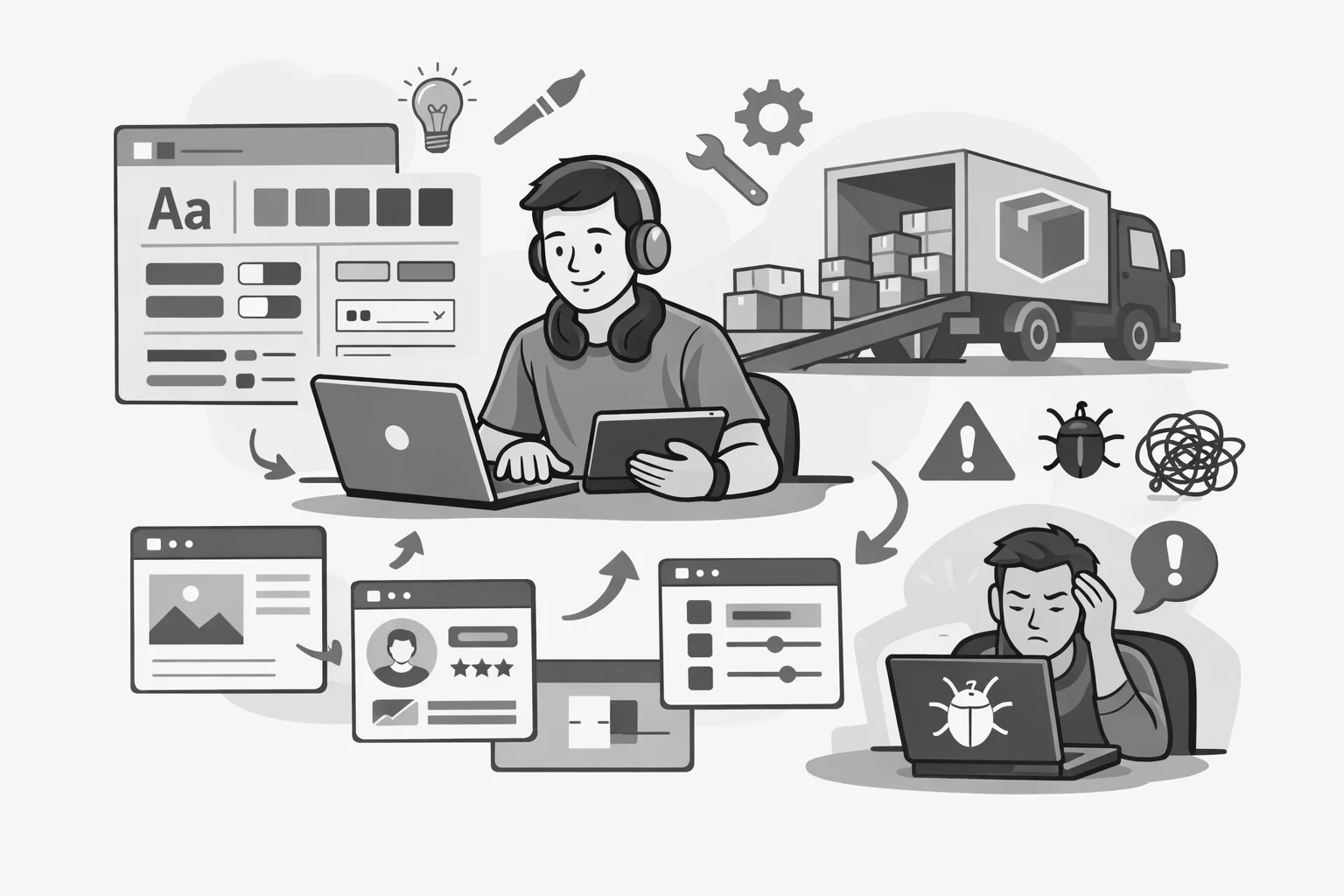
Design systems look simple from a distance. A shared library. A consistent UI. Faster delivery. Fewer bugs. Fewer debates. It's a compelling story, and it's not wrong.
But the story skips the part where the system meets reality. The first app integrates it. The first team hits an edge case. The first "small" change request shows up at the worst possible time. That's when most teams learn the uncomfortable truth: a design system is not a folder of components. It's a product that serves other products. And like any product, it needs ownership, support, and a plan.
Buy-in, ownership, and expectation gaps
Buy-in is the first wall most teams hit. Kickoffs are usually energetic, and the intentions are good. Leadership wants scale. Design wants consistency. Engineering wants reuse. Then teams return to their roadmaps and adoption becomes a "next quarter" activity. That's not because people don't care. It's because migrating to a system costs time, and time is always spoken for. If you don't actively earn team-level buy-in, adoption stays optional. Optional adoption leads to a system that technically exists, but doesn't meaningfully change outcomes.
This is also where "ownership" stops being a vague concept and becomes the difference between success and frustration. A system needs clear decision-making and a reliable cadence. Without that, support becomes informal and exhausting. Requests arrive through side channels. Decisions get repeated. The same issues resurface over and over because nobody can point to a single answer. Over time, the system team becomes a help desk without a ticketing system, and consumers learn they can't depend on the system unless they know the right person to ask.
Even when buy-in and ownership are handled well, the expectation gap is still real. Many organizations treat design systems like a way to remove work. In practice, systems move work earlier and concentrate it. That's the value, but it's also why systems can feel heavy. You're paying an up-front cost so you can stop paying the same cost across ten teams forever. If you don't set that expectation honestly, the system will be judged by an unrealistic standard, and it will feel like it's "not delivering" even when it's doing exactly what it was built to do.
The technical challenges that don't make the decks
Then come the technical problems that rarely appear in kickoff decks. Integration is where the smooth story breaks down. Dependency mismatches. Different build pipelines. Different versions of frameworks. Different rules about how CSS should ship. Consumers experience the system through their own application context, not yours. That means the system team ends up debugging issues they didn't create, and sometimes can't reproduce, because the failure lives in the interaction between the system and a specific app's tooling.
Theming and customization often become the long-term version of the same problem. Tokens and CSS variables are the right direction, but "right direction" is not the same as "done." Teams need exceptions. Brand needs variation. Products have edge cases. If a system is too rigid, teams route around it. If it's too flexible, it becomes a collection of overly complex components with unclear boundaries. This is where many component APIs slowly turn into prop soup, not because the team is careless, but because every exception feels reasonable in isolation.
Accessibility and consistency are where the stakes get higher
Accessibility is where the stakes get higher. Accessibility work is not a last-mile polish step. If accessible behavior isn't built into the default component patterns, it becomes permanent backlog debt. Most accessibility problems don't arrive as dramatic failures. They arrive as drift. A focus style gets removed to match a mock. A keyboard interaction changes to "feel better." An animation ignores reduced motion. A modal changes its close behavior and breaks escape handling. None of these changes are malicious. They're small local decisions made under shipping pressure. But a design system is a multiplier. Small decisions scale quickly.
Systems need guardrails, not just guidelines. Guardrails can be technical, like safe defaults and predictable keyboard behavior, or process-based, like review checklists and automated tests that catch regressions before they hit consumers. When accessibility is treated as a shared contract instead of a feature, the system becomes something teams can trust.
Supporting multiple frameworks, versioning, and documentation are where trust gets built or broken
Supporting multiple frameworks adds another layer of complexity. Many organizations want the same component system to serve React apps, Angular apps, plain HTML surfaces, and web components. That goal is valid. The mistake is underestimating the cost of consistency across those environments. Each framework has different assumptions about component APIs, state, events, and composition. If you don't decide what the canonical source is, you end up with multiple competing truths. The React wrapper behaves one way, the Angular wrapper behaves another, the web component emits slightly different events, and the docs start contradicting themselves. Once users feel that the system is unpredictable, they stop trusting it, and adoption stalls.
The most stable approach is to treat the system as a contract. The contract defines the behavior, accessibility, interaction model, theming approach, and documentation rules. Framework layers become translators. If each wrapper is allowed to become its own product, you end up running a small zoo, and every release becomes a coordination problem.
Versioning is where all of this becomes visible. Semver sounds straightforward until you discover that what feels "minor" to the system team is "breaking" to a consumer. A bug fix can break a team that unknowingly relied on the bug. A renamed prop can strand long-lived apps for months. Most consumer teams don't avoid upgrades because they don't care. They avoid upgrades because upgrades compete with product delivery and rarely come with a clear business reward. Versioning is partly technical, and partly social. Deprecation policies matter. Migration guides matter even more. Human-readable release notes are often the difference between "we upgraded" and "we pinned forever."
Documentation is another place where systems quietly succeed or fail. Storybook is useful, but Storybook alone is not a documentation strategy. It can become a component museum that shows what exists but doesn't help someone ship. Most teams need guidance. They need to know when to use a component and when not to use it. They need to understand edge cases. They need recipes that match real workflows, not just prop tables. Good documentation reduces support load, increases adoption, and prevents the "everyone makes their own version" pattern.
Alignment with Figma is also more complicated than it sounds. "Single source of truth" makes for a nice slogan, but in practice there are at least two sources: design and code. They drift because different humans touch them at different times under different constraints. This is especially true when a Figma library was created before token discipline, naming conventions, and mapping tools like Code Connect were part of the process. Retrofitting alignment can be a significant project. The teams that do it well decide what must match exactly, establish shared naming and structure, and create a repeatable workflow so alignment doesn't rely on heroics.
Testing and support are where the system's value gets realized
Testing is the foundation that holds everything together. Consumers adopt systems they trust. Trust comes from stability. Stability comes from catching regressions early. It's not enough to test that a component renders. Systems need coverage for behavior, keyboard interaction, focus management, and accessibility. Visual regression testing can also be a major confidence booster, because it reduces fear around upgrades. The goal isn't perfection. The goal is predictable change.
Support is the final piece that tends to be underestimated. A design system team is also a service team. Consumers will need help integrating, theming, and debugging. They'll ask if something is a bug, whether something is expected, and how to approach an edge case. They'll request "small" features that require thoughtful design, accessibility review, tests, documentation updates, and a rollout plan. If support has no structure, the system becomes reactive and chaotic. If support has structure, the system becomes reliable, and reliability is what drives adoption.
Design systems are products, not projects
If any of this feels familiar, that's because the problems are common. They're also solvable. The teams that make design systems work treat them as products, define a clear contract, invest in defaults and guardrails, and build an operating model that supports real adoption. The technical work matters, but the operating model is often what determines whether the system compounds value or becomes a permanent source of friction.
If you're dealing with a system that's stalled, fragmented, or hard to trust, the fastest path forward is usually not a full rewrite. It's an honest assessment of where the bottleneck is. Sometimes it's governance. Sometimes it's API consistency. Sometimes it's documentation. Sometimes it's accessibility drift. Sometimes it's a release process that doesn't match how consumer teams work. The good news is you can usually make meaningful progress without overhauling everything at once.
That's the part I enjoy most about this space. Most design system pain points look overwhelming until you break them into the handful of decisions and habits that are creating the friction. Once you do that, you can fix the parts that matter, build trust back up, and get teams moving again.
If you need a second set of eyes, I'm happy to help
If you're dealing with this right now and you're not sure where to start, you don't need a full redesign to make progress. A good first step is usually a short assessment to identify what's actually causing the friction, then a small plan that targets adoption, stability, and trust. If you want a second set of eyes, I'm happy to compare notes and point you in a practical direction. You can reach me through the contact page on my site, and I'll respond with either a few concrete suggestions or a recommendation for what to tackle first.